

Thank you for submitting a completed pitch for the 2026 STARTedUP Challenge!
To view your feedback on your 2026 STARTedUP Challenge submission:
Log into the Companion Course at learn.startedupchallenge.org
After you go to the Course…
1. On the right hand side of the screen you will see a section called "Recent Feedback" where you will click on "Submit your Video Pitch"

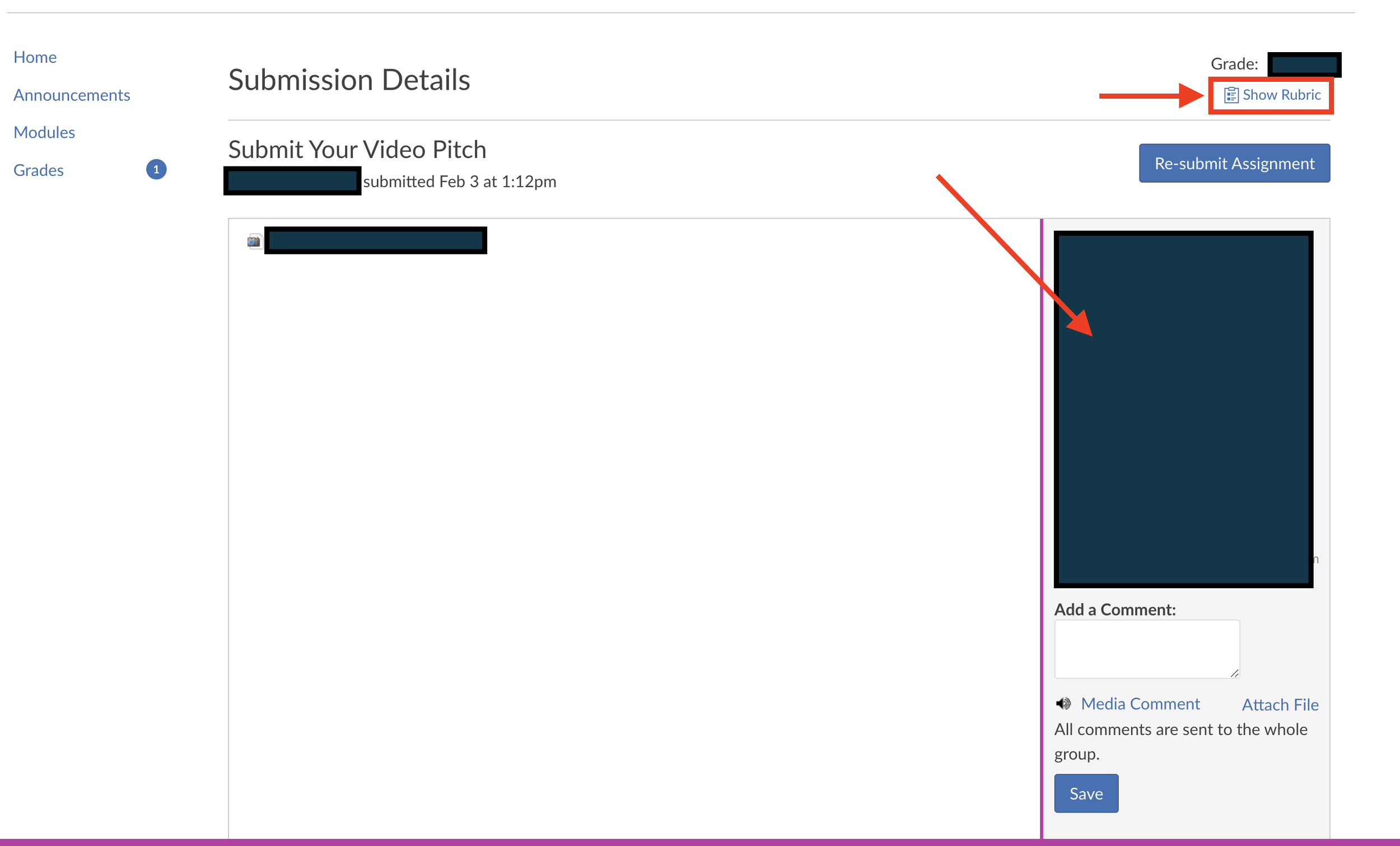
2. You will see the full open-ended comments and if you click on "Show Rubric" you will see how you scored in each area that was assessed.
Thank you for your participation and good luck!